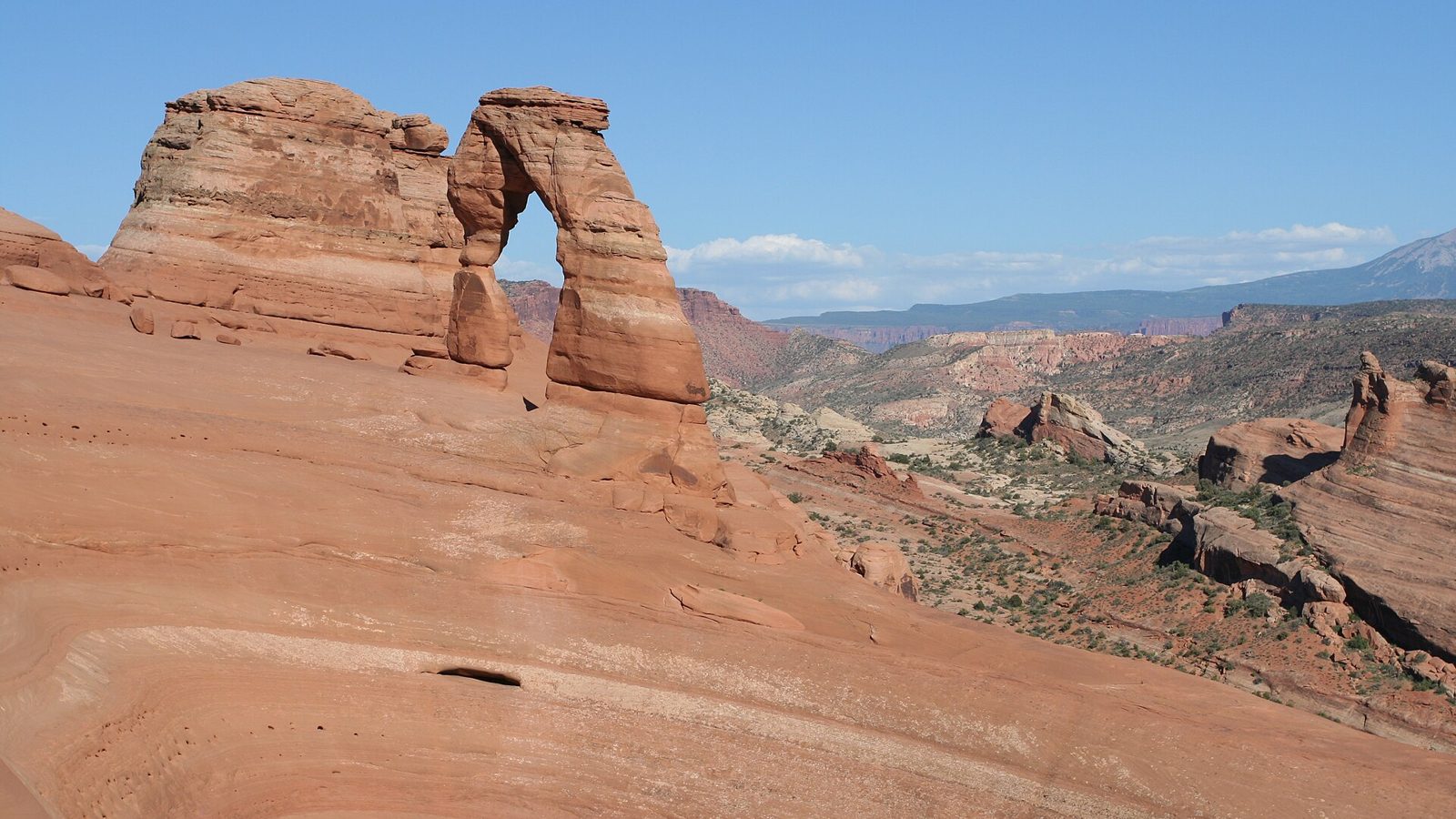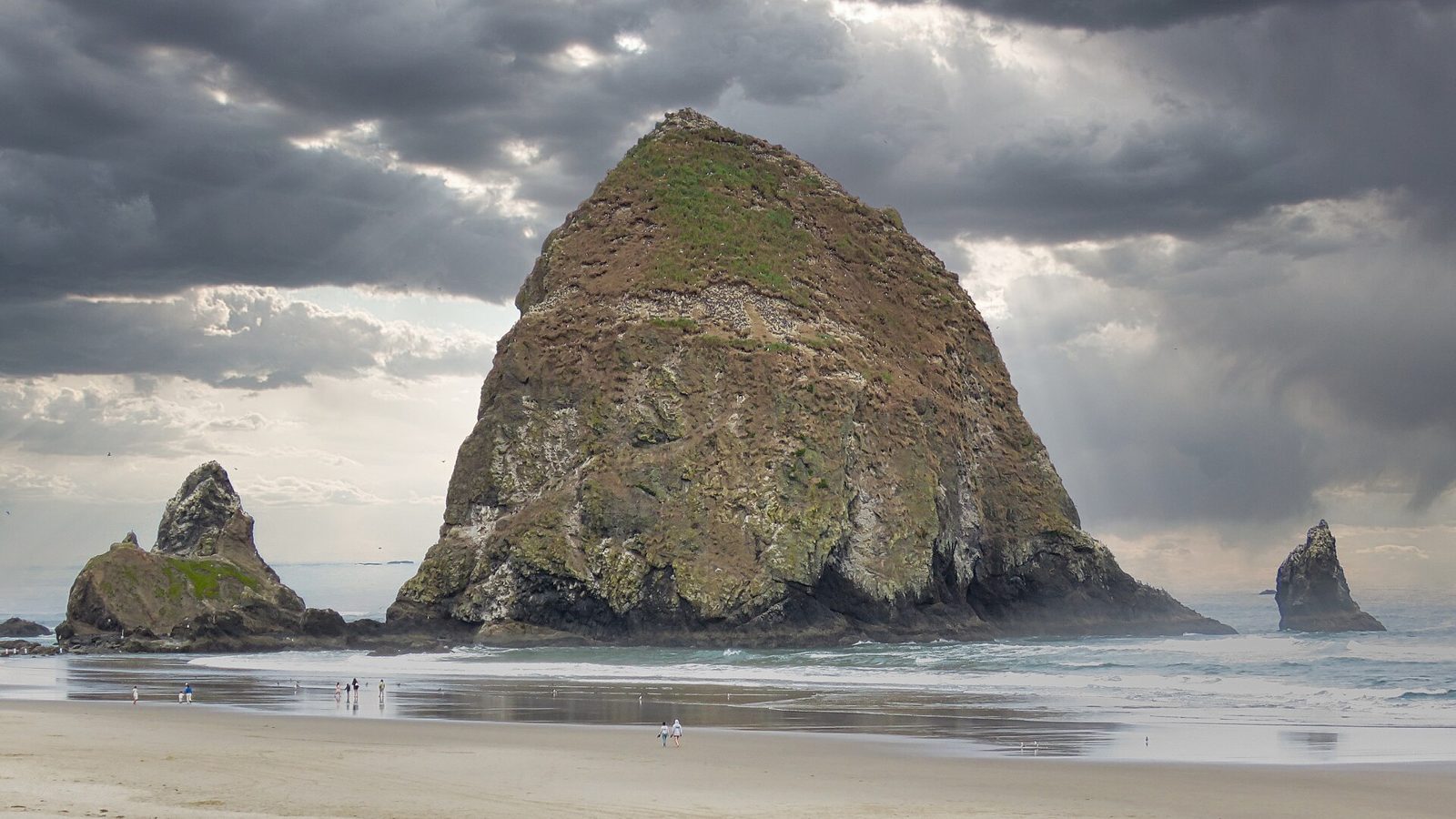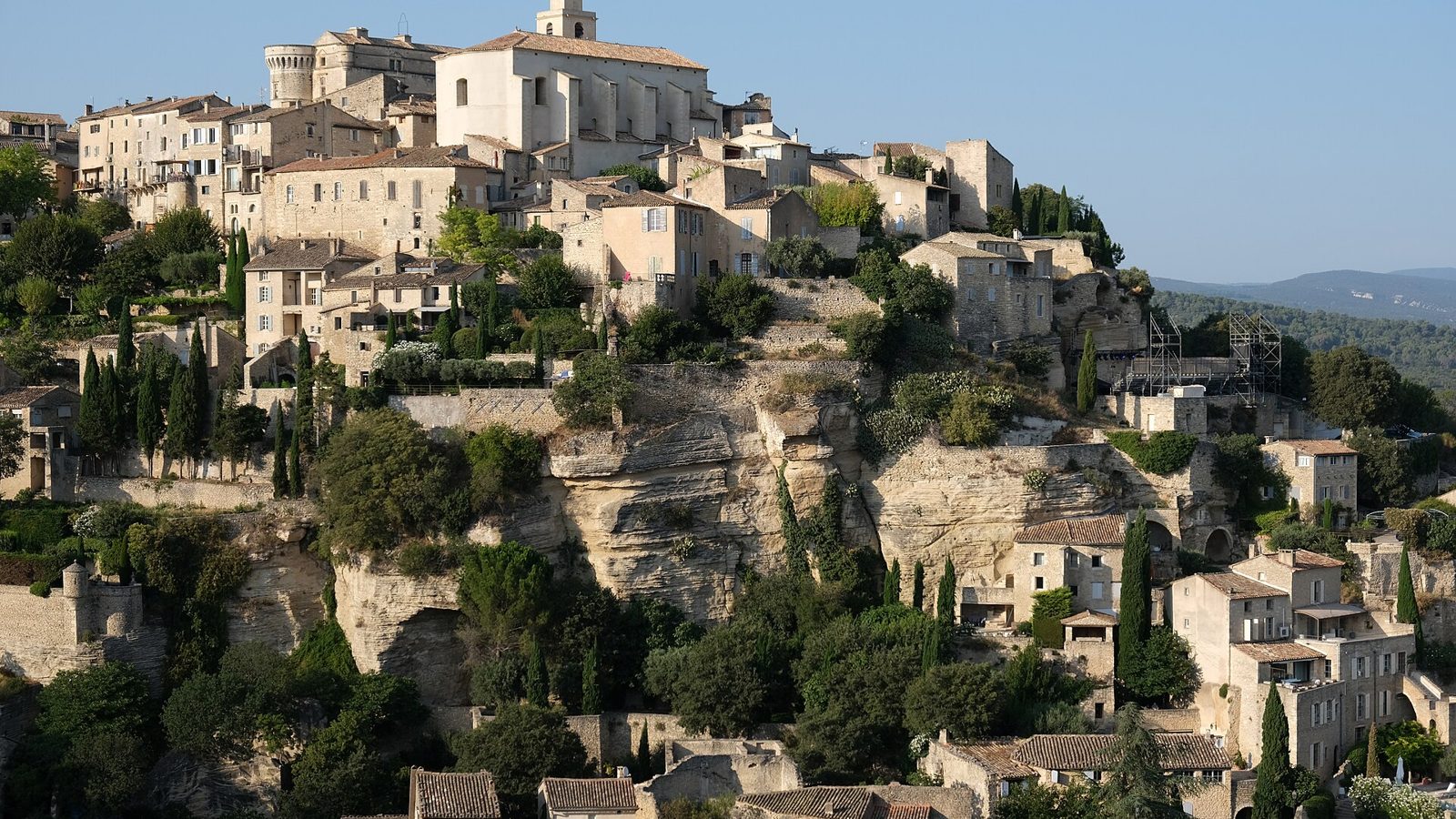

A multi-stop road trip is any trip where the route matters as much as the destination. The plan works when three things are true: the stops sit in geographic order, each day has a realistic driving budget, and every passenger can open the same itinerary. This guide shows how to build that in Tripvora in about ten minutes, and what to do when the route fights back.
What counts as a multi-stop road trip?
Anything past a start and an end. Two anchors and one coffee stop is a route. Two anchors and fourteen places across nine days is a logistics problem, and it is where most planning tools quietly stop helping.
The failure mode is always the same. You collect places you like, drop them into a map, and only discover on day three that you built 380 km of backtracking into a week you wanted to spend outside the car.
Step 1: Set the anchors and the dates before the stops
Start point, end point, dates. That is the whole first screen in Tripvora, and it exists in that order on purpose.
Days are the budget you are spending. Stops are what you buy with it. Set the budget first, otherwise you will spend it twice.
- Loop: start and end in the same city. Easiest for your own car or a single airport.
- Point to point: different start and end. Best scenery per hour, but check one-way rental fees.
- Open-ended: no fixed end. Tripvora allows this, and it is genuinely the right choice for a first draft.
Step 2: Add stops in any order, then let the route sort them
This is the part worth doing differently from a map app. In Tripvora you add stops as you find them — a town, a viewpoint, a hotel, an address — and the planner reorders them geographically along the real driving route rather than in the order you typed them.
Practically this means you can research the way people actually research: scattered, over several evenings, in no sensible sequence. The route repairs itself.
Two rules still apply, because no reordering fixes a bad shape:
- If two stops are more than a day apart, they belong to different days, not to a heroic single day.
- A stop you would only visit "if we have time" is not a stop. Put it in day notes.
Step 3: Treat every day as its own route
Tripvora plans each day as an independent route. Day 2 does not get glued onto the end of day 1. You see the driving distance, driving time, and fuel cost for that day alone.
That single design choice is what makes overloaded days visible. A trip total of "1,850 km" tells you nothing. "Day 4: 6 h 20 m of driving across five stops" tells you to move something.
| Day type | Comfortable driving | Stops that actually fit |
|---|---|---|
| Scenic coast or mountain | 2–3 h | 3–4 |
| Standard sightseeing day | 3–4 h | 2–3 |
| Transit day, covering ground | 5–6 h | 1 |
| Driving with small children | 2–3 h | 2 |
Mountain and coastal roads run 30–50% longer than the map estimate once photo stops, parking, and lunch are counted. Plan the day against the higher number.
Step 4: Move stops between days until the numbers look boring
Boring is the target. Every day roughly the same shape, no day with a hidden five-hour transfer.
Drag a stop from an overloaded day into the next one and the distances, driving times and fuel costs for both days recalculate immediately. You are not editing a document, you are editing a route, and the cost of a decision shows up before you commit to it.
Signs a day needs splitting:
- More than four hours of driving and more than three stops.
- The last stop closes before you can realistically arrive.
- Your overnight is not the final stop of the day.
Step 5: Price the trip per day, not per trip
Tripvora computes fuel per day from the real routed distance and your vehicle's consumption, so a five-day trip gives you five numbers instead of one lump sum. Per-day numbers are the ones you can act on: they tell you which day is expensive and why.
Fuel is only one line. For a full breakdown of the rest — food, lodging, tolls, parking — use the road trip budget guide alongside the per-day figures in the planner.
Step 6: Share one link, not six screenshots
Export the itinerary or share a read-only link. Passengers get the same day-by-day plan you have, including drive times, and nobody plans from a screenshot taken four revisions ago.
Why not just use Google Maps?
Google Maps is excellent at one route on one day. It caps waypoints, has no concept of days, will not tell you that day 4 is a six-hour drive, and cannot hold the shape of a nine-day trip. We use it constantly — for the driving itself. Planning is a different job.
| Job | Google Maps | Tripvora |
|---|---|---|
| Navigate today's drive | Excellent | Exports to Maps |
| Split a trip into days | No | Yes, per-day routing |
| Reorder stops geographically | Manual | Automatic |
| Per-day fuel and distance | No | Yes |
| Share one living itinerary | Awkward | Read-only link |
Common multi-stop mistakes
Building around one famous stop. One landmark should not force three transit days around it. If it does, it is a separate trip.
Booking every night up front. Book the nights that are hard to get. Leave the rest until the route settles, because the route will move.
Ignoring arrival and departure days. A seven-day trip is four to five real planning days. Plan those.
Adding stops that are all the same. Four hilltop towns in a row blur together by lunch on day two. Alternate type and pace.
FAQ
How many stops per day is realistic?
Two to three on a sightseeing day, three to four if the drives are short. Each stop costs 30–90 minutes once you include parking and walking.
How many stops can I add in Tripvora?
The free plan covers one trip with up to 10 stops, which is enough for a full week. Longer or repeat trips are on Tripvora Pro.
Can I plan a multi-stop trip without a fixed end point?
Yes. Leave the end open, add stops as you go, and the route rebuilds each time.
Does it work outside Europe and the US?
Anywhere with driving directions coverage. The per-day distance, time and fuel maths is the same everywhere.
Build your route now
Set your start, end and dates, then add stops in whatever order you found them and let the days sort themselves out.
Plan a multi-stop road trip in Tripvora — it takes about ten minutes for a first pass.
Follow along on YouTube, TikTok, and Instagram for real routes we drive and film.
Keep reading: How to plan a road trip step by step · Best road trip routes in Europe